1Identify your hardware
Run ipctool on the camera (telnet or serial console) to learn the SoC, the sensor, and the flash chip. A label or FCC ID search works as a fallback.
curl -L -o /tmp/ipctool https://github.com/OpenIPC/ipctool/releases/download/latest/ipctool
chmod +x /tmp/ipctool && /tmp/ipctool2Find your SoC
Look your chip up in the supported hardware table. The wizard assembles a firmware image and a step-by-step installation guide for your exact configuration, right in your browser.
3Back up, then flash
Follow the generated guide. It starts with a full backup of the stock firmware — do not skip it.
Honest warning
Flashing can brick a camera. The guide shows you how to make a full backup first, and Coupler can handle the safe path on supported models. If in doubt, ask in the chat before you flash.
What you get
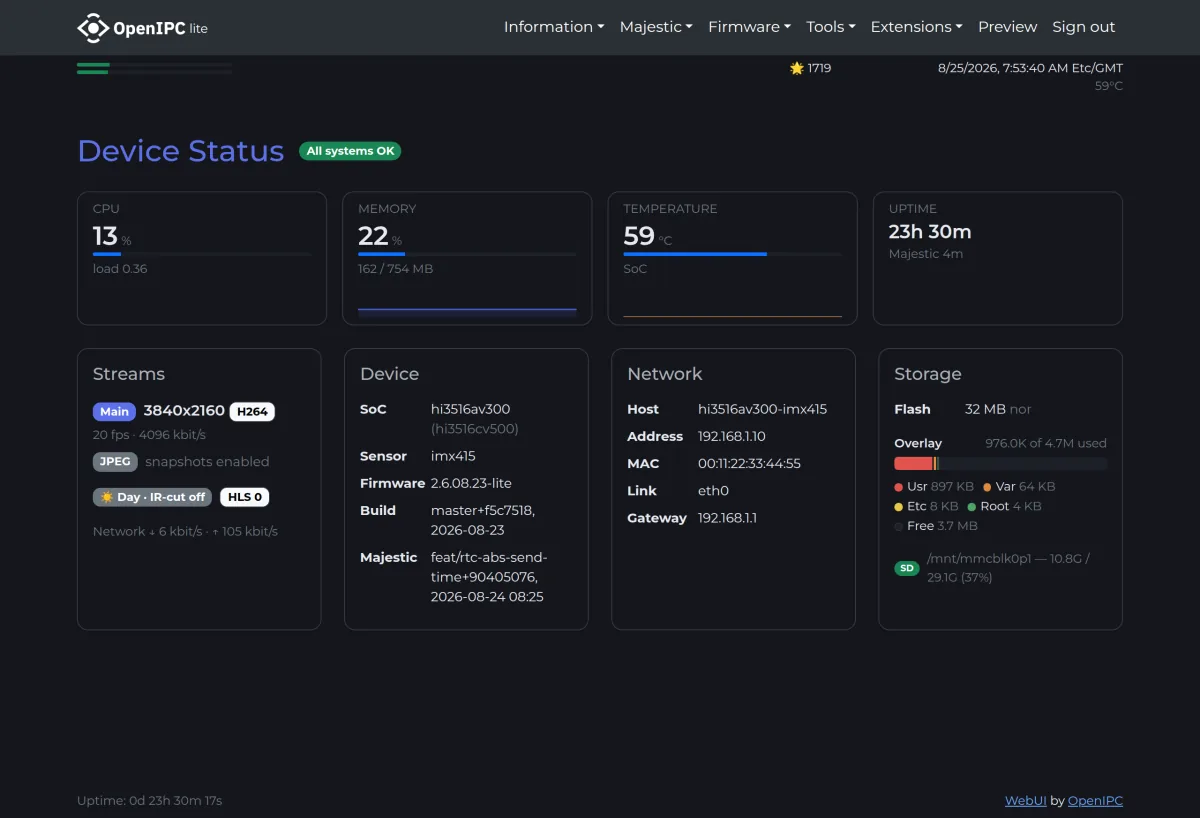
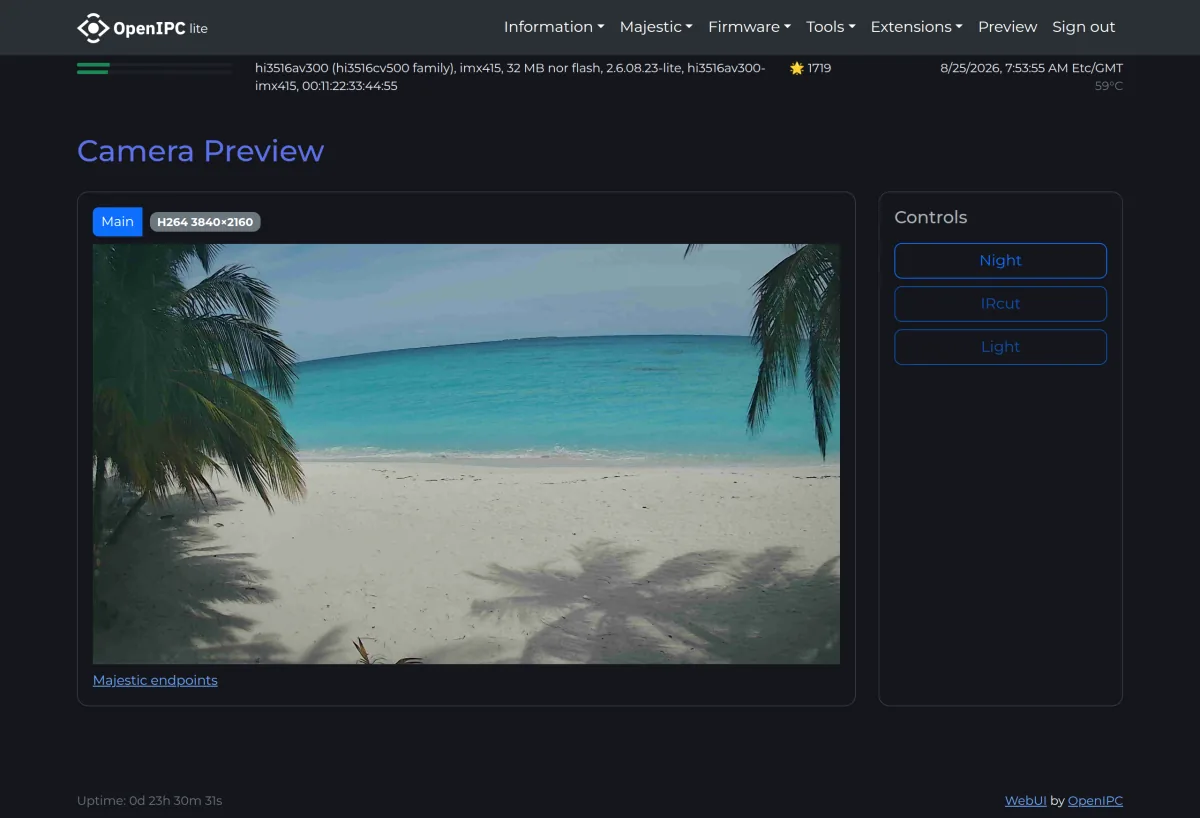
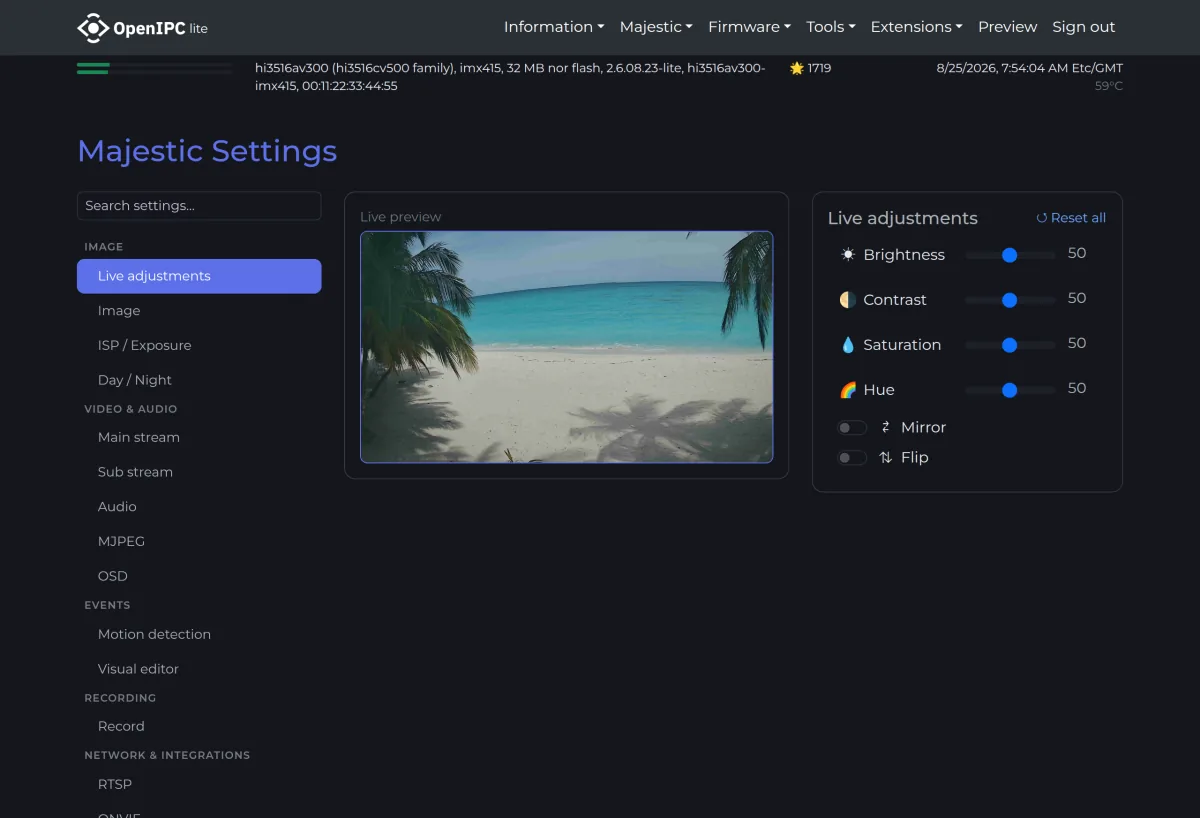
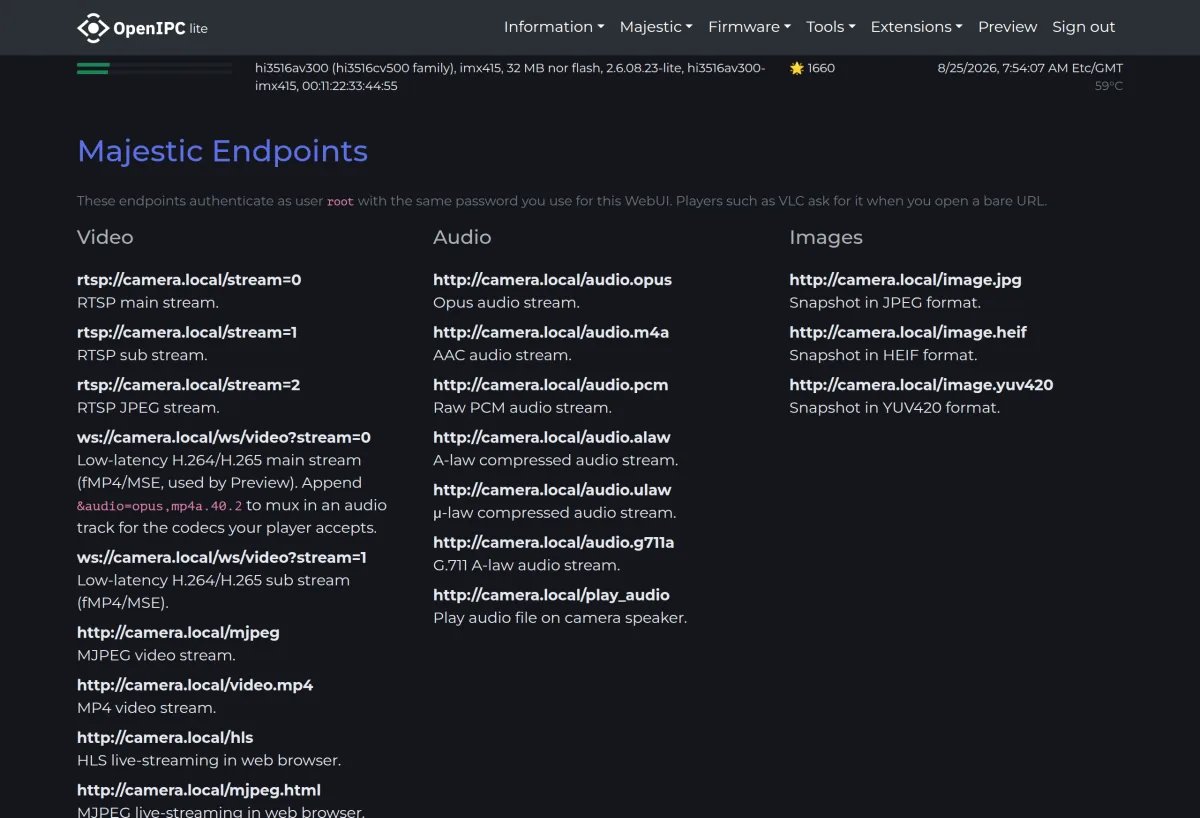
A clean Linux system with the Majestic streamer: RTSP, ONVIF, WebRTC, and HLS out of the box, a web interface, and full root access. Your camera, actually yours.
Two editions
Lite fits 8 MB flash chips and covers the essentials. Ultimate adds extras like cloud streaming, tunnels, and more codecs — it needs 16 MB flash.
Then join the Open Wall
One setting in the web interface puts your camera's snapshots on our live Open Wall — say hello to the community.
Stuck?
The community answers questions every day. Ask in the chat — include your SoC, sensor, and a boot log if you have one.